
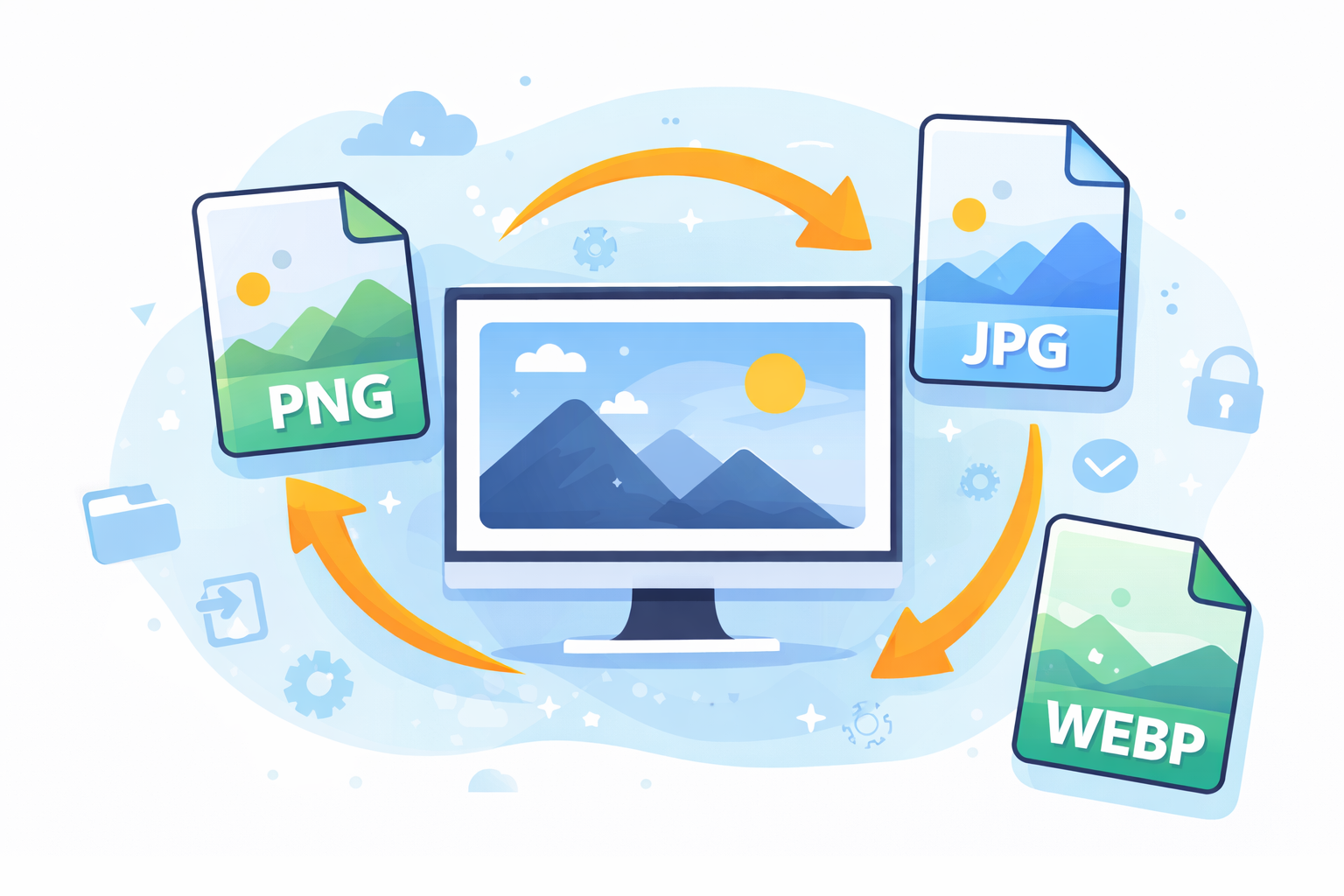
Introduction to Image Formats
Images are everywhere on the internet. From social media and websites posts to videos and marketing campaigns, images are a vital part of communicating. However, not all pictures are all created to be the same. Different formats for images serve various needs, and picking the appropriate one can drastically impact the quality, size of files and performance.
This Easy Guide to Working with different image formats will assist you in understanding the various formats and their functions in conjunction with each other, how to utilize them and how to maximize them to achieve optimal results.
When you’re done with this article, you’ll be aware of how to select the best layout, avoid common errors and utilize the most efficient tools to manage your images.
Why Image Formats Matter
Image formats control the way that visual data will be saved, compressed and displayed. Selecting the wrong format could cause problems like:
- The loading time of websites is slow.
- Image quality loss
- Large file sizes
- Issues with compatibility between platforms
The right format can help keep quality high while limiting file size.
Impact on Website Performance
Images may make up greater than 50% of the page’s total size. Optimized formats can help websites load faster, enhancing users’ experience and indexing on search engines.
Effect on Visual Quality
Certain formats preserve every single detail of an image, whereas other formats compress data to decrease the size of files. Knowing the difference is crucial to ensure that images are clear and sharp.
Understanding the Most Common Image Formats
Different formats serve different purposes. Below are the most commonly used formats for images and the best times you should use them.
JPEG (Joint Photographic Experts Group)
JPEG is among the most popular images formats available on the internet.
Specific characteristics:
- Great for photography
- Small size file
- Uses lossy compression
- Slight quality loss during compression
JPEG is ideal when images have complicated colors and gradients for example, photographs or digital artwork.
PNG (Portable Network Graphics)
PNG is well-known by its top-quality photos as well as the ability to support transparency.
Advantages:
- Compression that is lossless
- Supports transparent backgrounds
- High image quality
PNG is perfect for logos, icons and graphics that need sharp edges and transparent.
GIF (Graphics Interchange Format)
GIF is widely used to create simple animations and short videos.
Its features are:
- Animation support
- Limited color palette (256 colors)
- Small file sizes for images that are simple
GIF is frequently utilized in reaction pictures, memes and other small-sized animated graphics.
SVG (Scalable Vector Graphics)
SVG is an image format based on vectors that is, it makes use of mathematical formulas rather than pixels.
The benefits include
- Unlimitedly scalable and without quality loss
- Graphics with a small file size
- Perfect for logos and icons
SVG files are extensively used in web design today because they’re sharp in any size.
WebP
WebP is an image format designed to enhance the performance of websites.
Advantages:
- Less large file sizes are smaller than JPEG and PNG
- Supports lossy as well as lossless compression.
- Helps to promote Transparency
Modern websites are increasingly using WebP to speed up loading times.
How Image Compression Works
Image compression decreases the size of files by removing irrelevant data.
There are two major kinds of compression.
Lossy Compression
Lossy compression deletes some images permanently, thereby reducing the size of files.
Examples:
- JPEG
- WebP (lossy)
This technique drastically reduces file size, however it can slightly affect the quality.
Lossless Compression
Lossless compression decreases the size of files without loosing any image data.
Examples:
- PNG
- SVG
- WebP (lossless)
This is perfect for graphic designs in which the quality has to be perfect.
Choosing the Right Image Format
The choice of the right format is dependent on the way in which the image will be employed.
| Image Type | Best Format |
|---|---|
| Photographs | JPEG / WebP |
| Logos | SVG / PNG |
| Graphics | PNG |
| Animations | GIF |
| Web performance | WebP |
If you are unsure, select the format that is compatible with quality and the file size.
Best Tools for Working With Image Formats
Many tools can help you transform, compress and improve the quality of images.
Image Editing Software
Some of the most popular editing tools are:
- Adobe Photoshop
- GIMP
- Affinity Photo
They allow for the precise control of the compression and format settings.
Online Optimization Tools
Web-based applications are easy and easy to use.
Examples include:
- TinyPNG
- ImageOptim
- Squoosh
They automatically reduce images while keeping the original quality.
Bulk Image Converters
For larger projects the batch processing tools help will save you time.
Common choices can include:
- XnConvert
- IrfanView
- ImageMagick
These tools can convert multiple files at the same time.
Best Practices for Image Optimization
The proper optimization will ensure that images are stunning and fast to load.
Resize Images Before Uploading
Uploading images that are too large consumes bandwidth and slows websites.
Always adjust images to the exact dimensions needed.
Use Modern Formats
Formats such as WebP or SVG are more efficient than conventional formats.
They can reduce the size of files while preserving high quality visuals.
Compress Without Losing Quality
Utilize compression tools to reduce the size of your files while maintaining the quality level acceptable.
Even small adjustments can greatly increase the speed of websites.
Add Descriptive File Names
Search engines analyze names for image files.
Instead of naming the file:
IMG_1234.jpg Use descriptive names like:
product-red-running-shoes.jpg This increases SEO and improves organization.
Common Mistakes When Working With Image Formats
A lot of people make basic errors when dealing with images.
Using PNG for Photographs
PNG files can grow to be quite big when used to create photos.
JPEG as well as WebP is generally preferred for photographs.
Over-Compressing Images
The excessive compression causes blurred or pixelated pictures.
Always ensure that the compression is of good quality.
Ignoring Mobile Optimization
Large images can load slow on mobile devices.
Making images mobile-friendly increases the user experience.
Using the Wrong Format for Graphics
Raster formats such as JPEG can render logos blurry.
Formats like vectors such as SVG retain sharp edges.
Advanced Tips for Managing Image Formats
Professionals make use of a variety of sophisticated methods.
Use Responsive Images
Images that respond automatically adjust to the various sizes of screens.
HTML attributes such as srcset assist in providing the right image size.
Implement Lazy Loading
Lazy loading slows loading of images up to the point that users scroll down to them.
This can improve the performance of pages significantly.
Automate Image Optimization
Content management systems such as WordPress have plugins which automatically improve images.
Automation reduces time and ensures high quality.
External Resource for Image Optimization
For more technical documentation and standards relating to images, go to:
https://developer.mozilla.org/en-US/docs/Web/Media/Formats/Image_types
This guide provides in-depth descriptions of the modern image formats that are used on the internet.
FAQs About Simple Guide to Working With Different Image Formats
1. What is the ideal image format for web pages?
WebP is usually regarded as the best format due to the fact that it is high-quality with smaller file sizes when compared to JPEG as well as PNG.
2. Which format is best for logos?
SVG is the ideal design format for logos since it is infinitely scaled without losing quality.
3. Is PNG better than JPEG?
PNG provides better quality and transparency PNG offers better quality and transparency support, whereas JPEG has smaller file sizes for images.
4. Why do images lose quality when compressed?
Lossy compression erases certain images permanently, reducing file size. This can slightly affect the quality.
5. Can I convert images without losing quality?
Yes. When you convert between non-lossless formats, such for PNG and TIFF typically keeps image quality.
6. What image format loads the fastest?
WebP generally loads quicker because it uses smaller file sizes, while still maintaining high quality visuals.
Conclusion
Understanding how various image formats function is vital for anyone who works using digital material. Each format has strengths regardless of whether it’s JPEG for photos or graphics, PNG for graphics, SVG for design that is scalable or WebP for modern web optimization.
If you follow this Easy Guide to Working with various image formats You can select the best format for any circumstance, decrease the size of your files, and still maintain high-quality visual quality.
The trick is to balance the performance and clarity. By using the correct tools and methods, you can make sure your images appear professional, while also making websites speedy and efficient.