
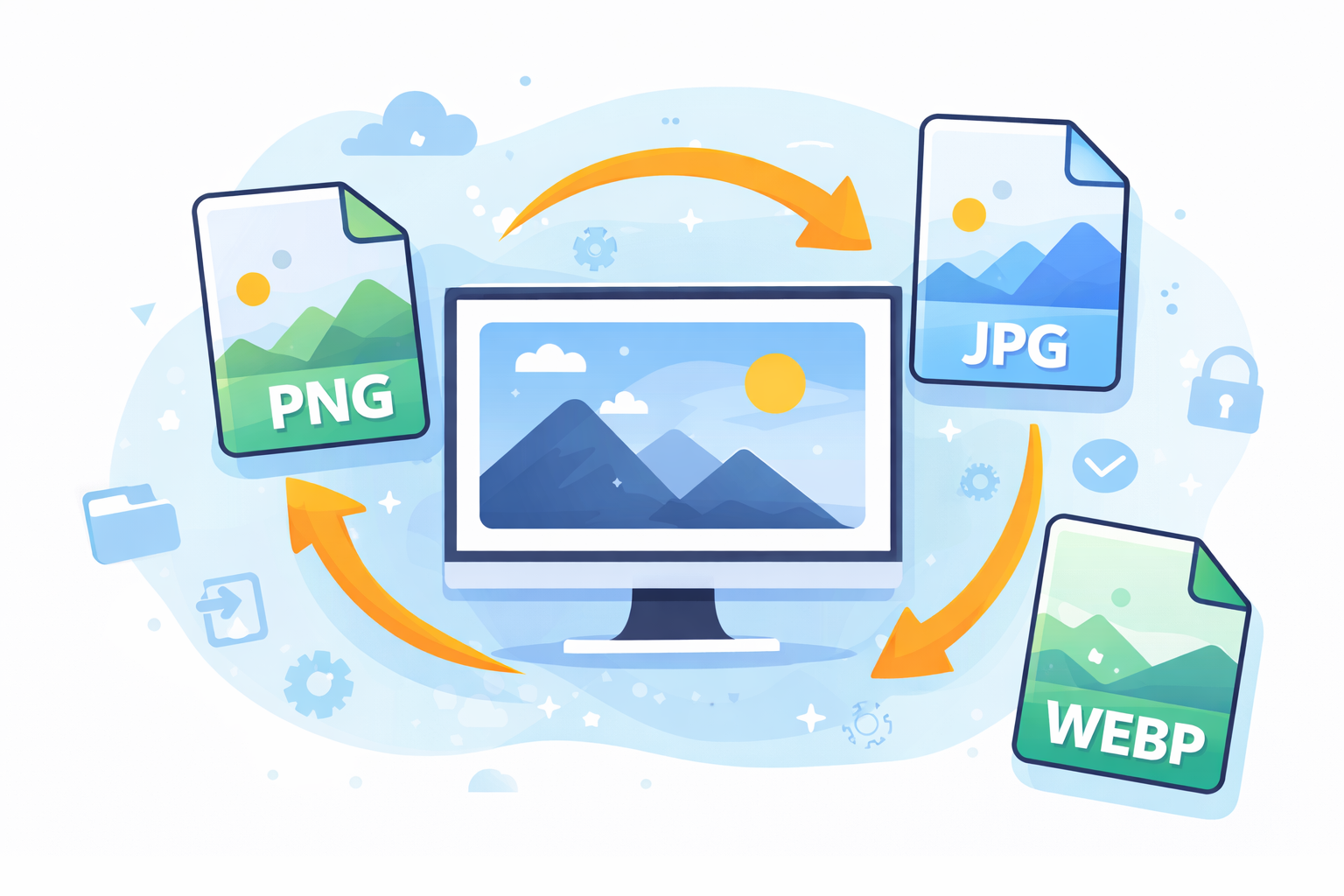
Introduction to Online Image Conversion
In today’s world of digital pictures are all over the place. From social media posts to websites to marketing and presentations visual content plays an crucial role in communicating. But, not all image formats work in every scenario. This is why The Beginner’s Guide on Online Image Conversion becomes extremely useful.
Online image conversion lets users quickly convert the format of an image with web-based tools. Instead of installing complex software, users can upload an image, select the format you prefer and download the transformed file in a matter of seconds.
For those who are new to the process, it may appear complicated initially. However, in reality it’s quite easy. With the proper tools and an knowledge of the formats used by images it is possible to convert images quickly.
This guide will explain everything newbies must be aware of regarding online conversion of images. It covers the formats, tools commonly made mistakes, optimization tips, as well as security concerns.
Why Image Conversion Is Important Today
Images are available in various formats, and each has a particular purpose. Sometimes, the format you’ve got may not be suitable for your requirements. For instance, a website might necessitate PNG files, whereas printers might want TIFF and JPEG.
Image conversion resolves this issue by allowing users the ability to change images without re-creating the original images.
Common Reasons People Convert Images
People convert images for various reasons, such as:
-
Optimization of websites by reducing the size of files to speed up loading
-
Compatible – ensuring that images function on certain platforms
-
Printing needs for conversion to high-quality formats
-
Transparency Support – changing between JPEG to PNG
-
Animation needs – using GIF format
For instance, a big PNG file could cause a slowdown on a website. The conversion to WebP will significantly decrease its size, while preserving the quality.
Understanding Popular Image Formats
Before you convert images, it’s important to know the most popular types of files.
JPEG vs PNG
JPEG (JPG) is among the more frequently used image formats.
Advantages of JPEG:
-
Smaller file sizes
-
Perfect for photos
-
Compatible with all devices
The problem is that JPEG is not able to support transparent backgrounds.
PNG is another format that is popular.
Advantages of PNG:
-
Helps to promote Transparency
-
High image quality
-
Great for logos and graphics
PNG files tend to be larger than JPEG files.
GIF and WebP
GIF is a popular format for animated images.
GIF’s key features GIF:
-
Simple animations are supported.
-
Limited color range
-
Small size file
WebP is a brand new format that was designed to be compatible with modern web usage.
Benefits of WebP:
-
Smaller file sizes
-
High compression
-
Excellent web performance
A lot of websites are now using WebP due to its ability to improve the speed of loading pages.
SVG and TIFF
SVG is an open-source vector format that is used to create graphic designs that can be scaled.
Advantages of SVG:
-
Infinite scalability
-
Perfect for icons and logos.
-
Small file sizes
TIFF is commonly used for professional printing and photography.
Benefits of TIFF:
-
High-end
-
Compression that is lossless
-
Great for archival use
Yet, TIFF files are often extremely large.
How Online Image Conversion Works
Online image converters work by using simple web-based interfaces. The process typically involves three major steps.
Upload, Convert, Download Process
The majority of tools use this process:
-
Upload the image to your device.
-
Select the output format you wish to use.
-
Click to convert.
-
Download the image that has been converted.
The conversion is performed on the server, so that your device will not require an incredibly powerful program.
This is a reason why online converters are a favorite among novices.
Step-by-Step Guide for Beginners
This portion in The Beginners’ Guide to online Image Conversion walks through the process step-by step.
Step 1: Choose a Reliable Converter
Begin by choosing a reputable online converter.
The most popular platforms are:
-
Convertio
-
CloudConvert
-
Online-Convert
-
Zamzar
You can explore tools like
https://convertio.co/
These services support a variety of file formats and have easy interfaces.
Step 2: Upload Your Image
When you’ve chosen the tool you want to use you will upload your photo.
Most platforms permit uploads from:
-
Your computer
-
Cloud storage
-
URLs
-
Google Drive or Dropbox
Check that the file’s size is within the upload limits set by the tool.
Step 3: Select Output Format
Then, select the format you’d like to change to.
Common choices can include:
-
JPG
-
PNG
-
WebP
-
GIF
-
SVG
-
TIFF
The format you choose depends on the purpose for which you intend to use it.
Step 4: Convert and Download
Then you can click the button to convert.
Within a few seconds, the software will process the image and provide the download link.
Always test the image you have converted to ensure the quality remains acceptable.
Best Online Tools for Image Conversion
There are many online converters available however, some stand out due to their capabilities and reliability.
Free Tools for Beginners
The tools are for beginners and completely free to make use of.
Convertio
-
Supports more than 300 formats
-
Simple drag-and-drop interface
-
Cloud integration
Online-Convert
-
Advanced settings
-
Multiple formats to choose from
-
Quality adjustments
Zamzar
-
Simple file conversion
-
Notifications by email
-
Broad compatibility
Advanced Conversion Platforms
Some tools have professional features.
CloudConvert
-
API integration
-
Batch conversions
-
Quality output
ImageMagick (online interfaces)
-
Advanced editing
-
Format personalization
-
Professional workflows
These platforms are great for designers and developers.
Benefits of Using Online Image Converters
Online image converters provide several advantages.
Key Benefits
1. No Software Installation
Images can be converted directly within your web browser.
2. Quick and Convenient
Conversions usually take a few minutes.
3. Cross-Platform Compatibility
Online tools function on:
-
Windows
-
macOS
-
Linux
-
Mobile devices
4. Multiple Format Support
Most converters can support many formats.
5. Easy for Beginners
Their simple interface makes them usable to users who are not tech-savvy.
Common Mistakes to Avoid
Beginning users often make mistakes when it comes to converting images.
1. Choosing the Wrong Format
Different formats serve different purposes. For instance:
-
PNG to ensure transparency
-
JPEG to use for photography
-
WebP is a web-optimization tool that uses WebP.
2. Ignoring Image Quality Settings
Certain converters permit compression adjustments. Selecting the lowest quality can reduce the size of a file, but may it could also damage the image.
3. Uploading Sensitive Images
Because conversions are online, you should avoid uploading sensitive images.
4. Converting Multiple Times
Repetitive conversions may reduce the quality of images due to compression.
Tips for Optimizing Images During Conversion
Optimizing images will ensure the highest quality and the size of the file.
Practical Optimization Tips
Reduce resolution when necessary
High resolutions will increase file size unnecessaryly.
Use WebP for websites.
WebP provides smaller file sizes but maintains the high quality.
Images should be compressed carefully
Use moderate compression levels.
Resize images prior to uploading
Large images can slow down conversion.
Security and Privacy Considerations
When making use of conversion tools online, safety must be taken into consideration.
Important Safety Tips
Use trusted platforms
Pick reputable service providers with excellent reviews.
Check file deletion policies
Many software programs delete the files automatically after just a few hours.
Avoid sensitive documents
Don’t upload images that are private or confidential.
Use HTTPS websites
Secure websites protect your data during uploads.
FAQs About Online Image Conversion
1. What is online image conversion?
Image conversion online is the procedure of changing an image file one format to a different one using web-based software.
2. Are online image conversions free?
A number of platforms allow free conversions, with limitations on the size of files, whereas premium plans include more advanced options.
3. Does converting images reduce quality?
Sometimes. Formats that are lossy like JPEG could lower quality, whereas lossless formats like PNG keep the details.
4. Which is the most suitable format for web pages?
WebP is typically the best option since it offers smaller file sizes and faster loading speeds.
5. Do I have the ability to convert images on my smartphone?
Yes. Many online converters are compatible with mobile browsers.
6. Are online converters safe?
They’re generally safe if you use reliable services and avoid uploading sensitive information.
Conclusion
Understanding The Basics of Converting Images Online Image Conversion helps anyone to manage digital images better. If you’re optimizing images for use on a website, or preparing images for printing, or making sure they’re that your images are compatible across different devices changing images online is a quick and efficient solution.
Learning the fundamentals regarding image file formats using the most reliable tools, and staying clear of common errors, beginners can convert images efficiently and confidently. Online converters eliminate the need for expensive software, making managing images available to all.
With the proper knowledge and the right tools using the right tools, image conversion is an easy task that increases both the quality of images and performance across various digital platforms.